A WordPress LMS with a dashboard for every role
A website and learning platform with separate dashboards for learners, teachers and quality assessors.
- Client
- Open Alliance Learning
- Role
- Full-stack WordPress developer
- When
- 2026
- Work
- WordPress, LearnDash
The brief
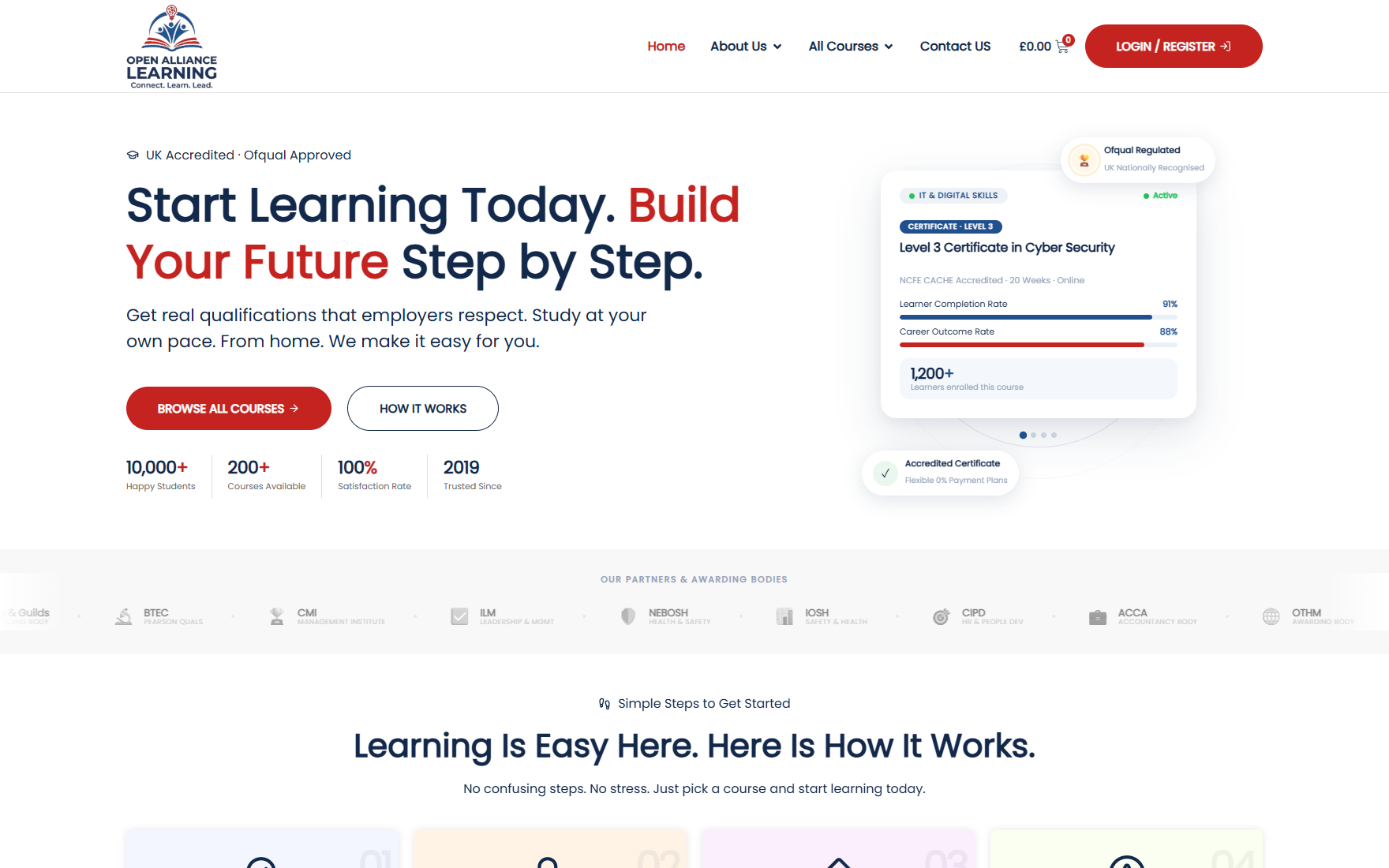
Open Alliance Learning needed a new website and a learning management system in one place. Three groups use it for different reasons: learners, teachers, and IQA, the people who check the quality of assessment.
What I built
- The new Open Alliance Learning website
- The LMS, configured on LearnDash
- A separate dashboard for learners, for teachers and for IQA
- Course sales through WooCommerce
What shaped it
When one system serves several roles, the first design question is who is looking, not what the feature is. Each group sees only what it needs.
How the WordPress LMS is put together
- LearnDash runs the courses, lessons and progress
- WooCommerce handles enrolment and payment, so buying a course and getting access is one step
- Each role signs in to its own dashboard: a learner sees courses and progress, a teacher sees learners and marking, an assessor sees what needs quality checking
Inside the site, 11 October 2026
Read from the live site, page by page.
Size. 21 pages in the sitemap, including 4 courses on sale.
What the pages do.
- A course catalogue in four groups: health care sector, CPD, education and training, and IT and digital skills
- A courses page with a filter, so a learner can narrow the list
- Login and registration for learners
- An about page covering who the provider is, how learning works and accreditation
- Terms of sale and a refund policy, which a site that takes payment needs
How it is built.
- WordPress with Elementor, on the Hello Elementor base theme
- LearnDash for courses and WooCommerce for enrolment and payment
- Pages served from a LiteSpeed cache with Brotli compression
- A content security policy in place
Common questions
What is a WordPress LMS?
A WordPress LMS is a learning management system built on WordPress: courses, lessons, quizzes, progress tracking and certificates, usually through a plugin such as LearnDash. Open Alliance Learning runs on LearnDash, with WooCommerce for enrolment and payment.
Can a WordPress LMS have different dashboards for different users?
Yes. Open Alliance Learning has three: one for learners, one for teachers and one for the people who check assessment quality. Each role signs in and sees only what it needs.
Can you sell courses with WooCommerce and LearnDash together?
Yes. WooCommerce takes the payment and LearnDash grants access to the course, so a learner pays and starts in one step.