Speed and rescue
WordPress speed optimization that fixes the cause.
Slow sites made fast and broken sites made stable. I find what is actually wrong first, then fix it once, where the problem lives.
- 1.5 s
- TubeOnAI. load time after the fix, down from 5 seconds
- 90+
- Tabby. Core Web Vitals at launch
The problem
Another speed plugin is usually the problem, not the fix
The usual way
- A second and third cache plugin
- Images far larger than the screen
- Heavy layouts loaded on every page
How I do it
- One caching layer, set up once
- Images sized for each screen
- Heavy layouts rebuilt at the cause
What is included
What you get
- 01
A measured starting point
PageSpeed Insights and Core Web Vitals on mobile before I change anything, so the result can be checked.
- 02
Caching set up once
One caching layer, configured properly, with leftovers from old plugins cleared out.
- 03
Lighter pages
Unused CSS and JavaScript removed, and heavy page-builder layouts rebuilt.
- 04
Images that load fast
Resized, compressed and served in modern formats at the size each screen needs.
- 05
Downtime and errors
White screens, plugin conflicts and sites that keep going down, traced to the cause.
- 06
Crawling and indexing
The technical issues that stop Google reading the site properly.
Proof
Where I have done this
Pick a project to see the result and the live site.
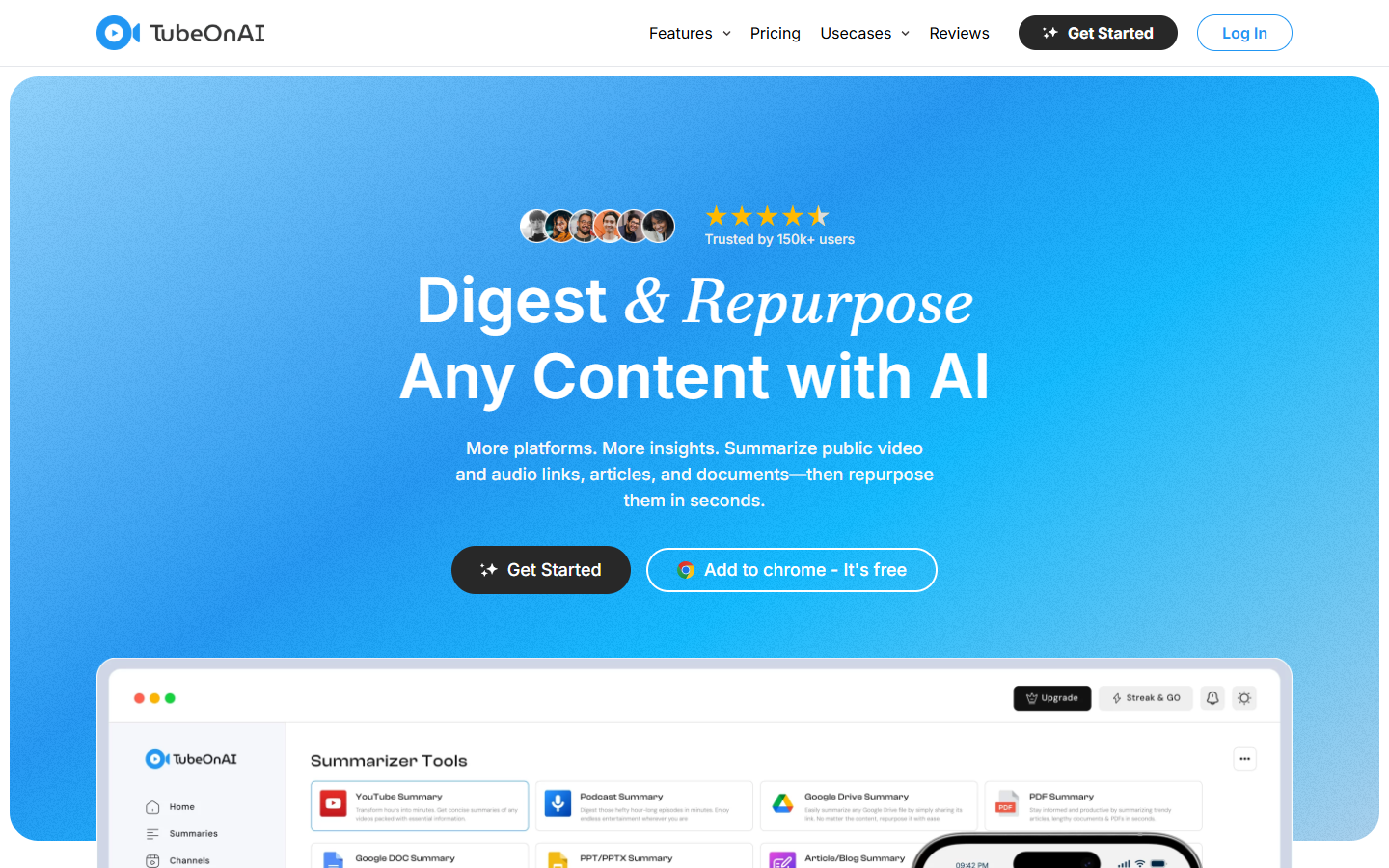
TubeOnAI
A WordPress site that kept going down, traced to leftover cache plugin files and fixed at the root.
1.5 sload time after the fix, down from 5 seconds
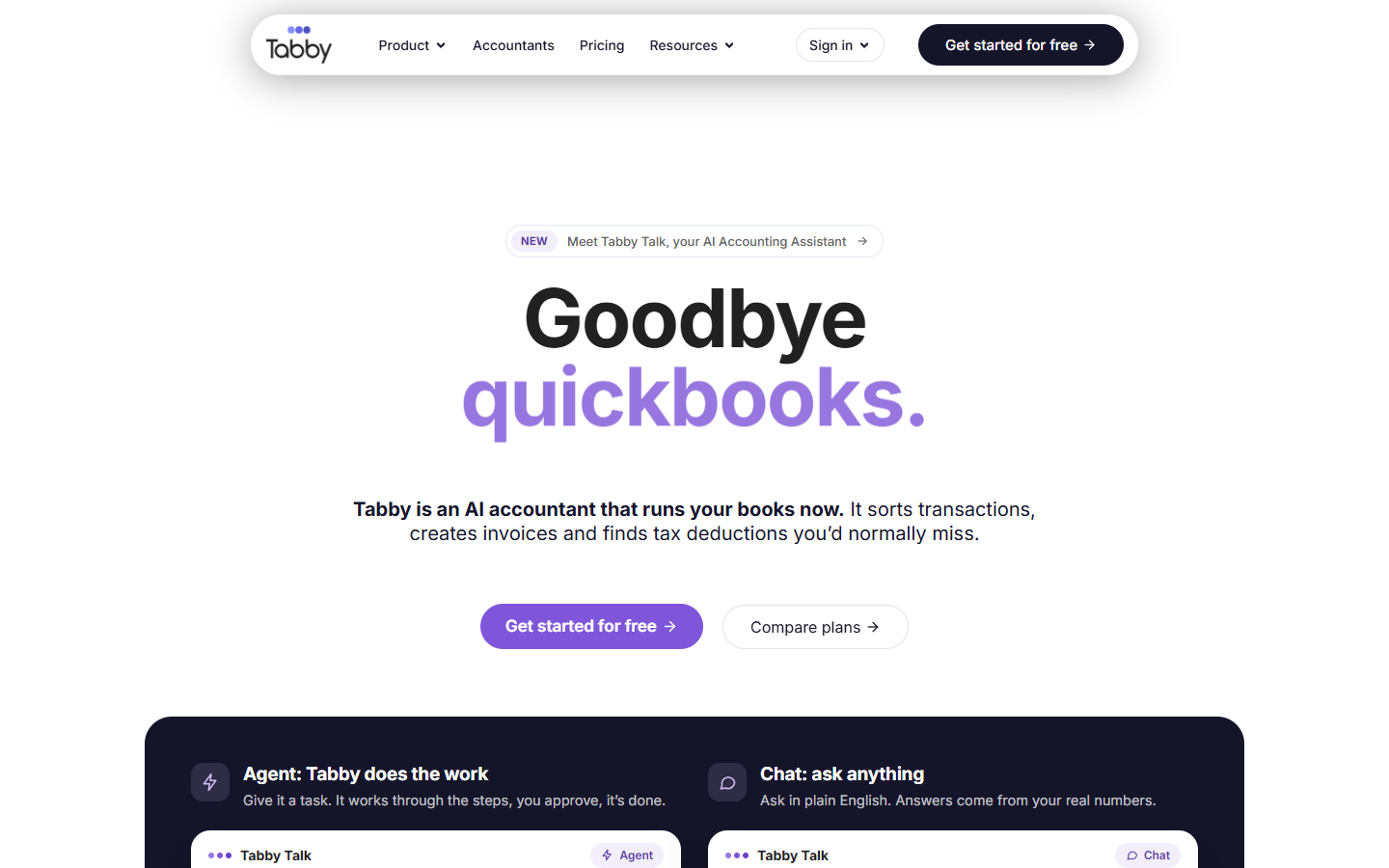
Tabby
Front end, back end, custom plugins and payments, then the full rebuild for the 2.0 release with its SEO kept in place.
90+Core Web Vitals at launch
Process
How I work
- Step 01
Find the cause
I test the site, read the errors and check what changed before I touch anything.
- Step 02
Fix the root
One clean fix where the problem lives, not a patch on top of it.
- Step 03
Measure it
Before and after numbers from PageSpeed Insights that you can check yourself.
- Step 04
Hand it over
You get notes on what was done, so the next change does not undo it.
LinkedIn recommendations
What people I have worked with say
Recommendations from clients and colleagues, copied word for word from my LinkedIn profile.
“Sakib has done a fantastic job with our Tabby 2.0 launch work along with continuous maintenance and updates on Tabby's website. He is very responsive and dedicated to any project he works on. I highly recommend him.”
“He is highly reliable and resourceful, with a great ability to solve problems effectively, even with limited tools and resources. His practical approach and problem-solving skills make him a valuable member of our team.”
“Sakib Islam is an exceptional Senior WordPress Developer with deep expertise in custom development, performance optimization, and clean, scalable code. Reliable, proactive, and easy to work with, they consistently deliver high-quality results.”
“His attention to detail, commitment to clean and scalable code, and deep understanding of modern frontend frameworks have consistently elevated the quality of our digital products.”
“His ability to translate ideas into functional designs and optimize website performance sets him apart. Beyond his technical skills, Sakib is detail-oriented, creative, and an excellent communicator.”
“I had the pleasure of working with Sakib Islam on several projects, and I was really happy with his performance and commitment.”
“I had the pleasure of working with Sakib Islam on several projects, and I was really happy with his performance and commitment.”
“His ability to translate ideas into functional designs and optimize website performance sets him apart. Beyond his technical skills, Sakib is detail-oriented, creative, and an excellent communicator.”
“His attention to detail, commitment to clean and scalable code, and deep understanding of modern frontend frameworks have consistently elevated the quality of our digital products.”
“Sakib Islam is an exceptional Senior WordPress Developer with deep expertise in custom development, performance optimization, and clean, scalable code. Reliable, proactive, and easy to work with, they consistently deliver high-quality results.”
“He is highly reliable and resourceful, with a great ability to solve problems effectively, even with limited tools and resources. His practical approach and problem-solving skills make him a valuable member of our team.”
“Sakib has done a fantastic job with our Tabby 2.0 launch work along with continuous maintenance and updates on Tabby's website. He is very responsive and dedicated to any project he works on. I highly recommend him.”
Every one of these can be checked onmy LinkedIn recommendations ↗.
FAQ
Questions about WordPress speed optimization
Something else on your mind? Ask me directly.
Ask on WhatsAppWhat are Core Web Vitals?
Core Web Vitals are three measurements Google uses to judge how a page feels to load and use. LCP is how long the main content takes to appear, good under 2.5 seconds. INP is how quickly the page responds to a tap or click, good under 200 milliseconds. CLS is how much the layout jumps, good under 0.1.
Why is my WordPress site slow?
The common causes are too many plugins doing overlapping jobs, caching that is missing or set up twice, images far larger than the screen needs, and page-builder layouts that load heavy code on every page. Slow hosting is sometimes part of it, but it is rarely the whole story.
Why does my WordPress site keep going down?
A WordPress site that keeps going down usually has a conflict, not bad luck. Typical causes are two plugins fighting, leftover files from a removed plugin, or a server running out of memory under a heavy page. On TubeOnAI it was old cache plugin files clashing with the host's own speed plugin.
Will a cache plugin fix my speed?
One caching layer, set up properly, helps a lot. A second or third one usually makes things worse, because they conflict. Caching also hides problems rather than removing them, so I fix the heavy pages and images as well.
How do I know the work made a difference?
You get the before and after numbers from Google PageSpeed Insights, on mobile, for the same pages. It is a public tool, so you can run the test yourself at any time and see the same result I do.
Also
Other things I do
- 01
WordPress development
Themes, plugins, stores and payments, built as one job.
- 02
Custom development
Web products built from scratch when WordPress is the wrong tool.
- 03
AI agents and automation
AI that does real work inside your product, with your approval.
Start a project
Need WordPress speed optimization?
Tell me what it is and what is going wrong. I reply with what I would check first, before you spend anything.
Pick one and WhatsApp opens with the message started: